
What If Your Website Can Help You Run Your Whole Marketing?

Updated: Nov 1
Imagine it's Monday morning. Your booking link lives in one app, your invoices in another, your email list in a third, and your social posts in a fourth. Your website? It's a pretty page that nobody updates.
Now imagine someone asks, "So, how is your marketing working?" And you honestly don't know, because the answer is spread across five logins.
If you are a business owner making less than $100K a year, you probably don't have the budget to hire a marketing person yet. So you do it all yourself, with whatever tools you can piece together.
The following sentence may sound bold to some people, and I'm still going to share it:
If you can't hire marketing help yet, your website has to become your marketing team. And Wix Studio is where you build it.
Most business owners think of a website as:
A digital business card
A place to put your phone number and your services
Something you "finish" once and never touch again
Here's where it gets interesting; when you build in Wix Studio, you are not building a landing page or a random website. You are building, what I like to refer to, an island; the center of your whole business. So the real questions become:
How do I turn my website, AKA island, into the place where my marketing actually happens?
How do I set it up today so it still works when I grow?
Let's walk through it; lesson style.
Lesson #1: Your website is not a page, it's your island
Think of your website as the one place you own. Social platforms change their rules, ads stop the day you stop paying, but your website stays yours.
When you build it in Wix Studio, it becomes your command center: the place where clients find you, book you, pay you and hear from you again. A smaller scale today, of course, and one that can grow into a bigger scale later.
(FYI: "island" is my favorite way to explain this to clients. Everything else you do online should be a bridge back to it.)
Lesson #2: Connect the right tools inside Wix Studio
Here's what most of us do: we pay for a separate tool for every marketing job. Wix Studio lets you run most of them from the same dashboard as your website.
Marketing job | What it usually looks like | Inside Wix Studio |
Bookings | A separate scheduling app | Booking built into your site |
Payments | A separate checkout or invoicing tool | Payments on your own pages |
Email marketing | A separate email platform | Email campaigns sent to your site contacts |
Leads and clients | A spreadsheet or a separate CRM | Forms that land straight in your contact list |
Messages | Chat, email and DMs in different places | One inbox for site conversations |
Content | A blog hosted somewhere else | A blog on your own domain, helping your SEO |
The magic isn't any one of these features. It's that they all share the same contacts, the same data and the same login.
Lesson #3: Five platforms means five things to maintain
Every tool you add is another subscription, another password and another thing that can break. And now there's a new version of this problem: five different AI tools that each need to be set up, connected to each other and kept up to date.
When your marketing runs through one platform:
You see what's working in one place
You pay for fewer subscriptions
You stop copying and pasting between apps
Nothing falls through the cracks between tools
By the way, this isn't about doing more marketing. It's about making the marketing you already do easier to run.
Lesson #4: Build it for the team you haven't hired yet
This is the part nobody tells you. The way you set up your website today decides how easy it will be to grow tomorrow.
If you build it correctly in Wix Studio and connect the right tools, your first hire won't spend weeks figuring out where everything lives. They'll log in once and find bookings, clients, emails and content in one place.
Your future team will thank you for it. And you'll thank yourself, because handing off work becomes a click, not a project.
Lesson #5: If you need a website right now, build it with me
If you read this and thought, "That's me, and I don't even have a website yet," this part is for you.
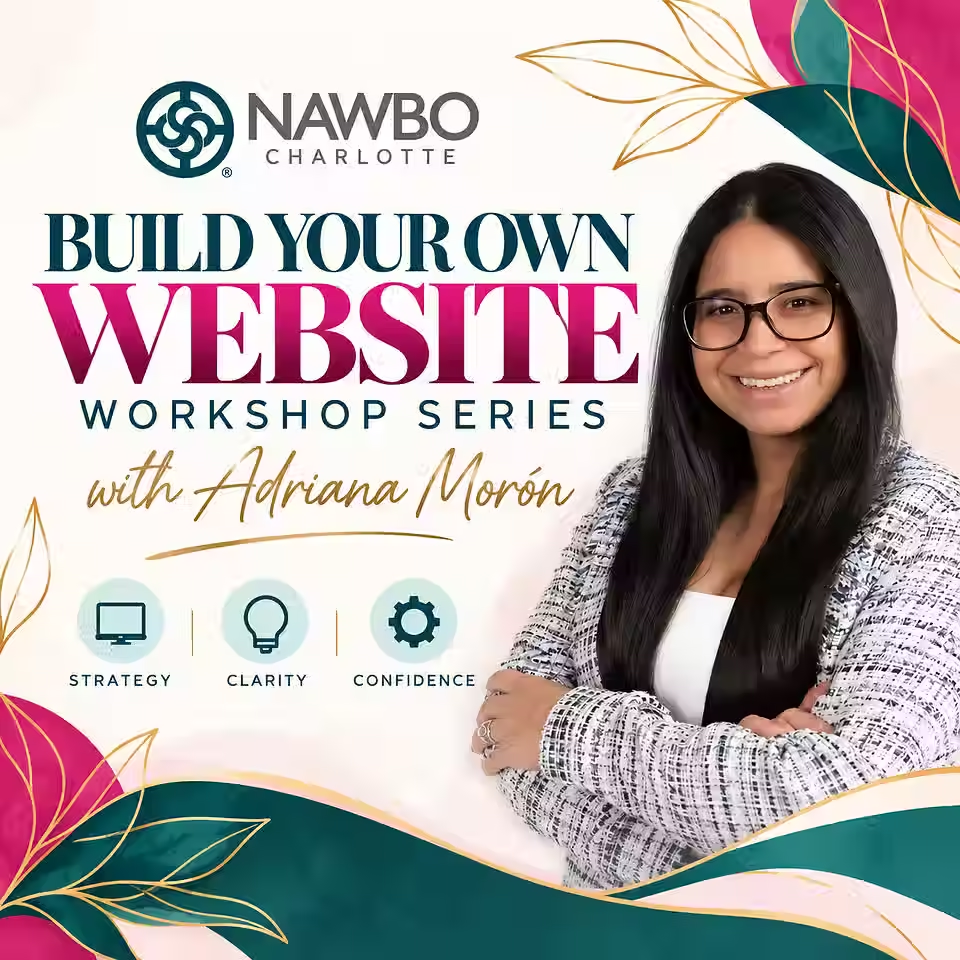
I'm teaching the Build Your Own Website Workshop: three live 90 minute sessions, once a week for three weeks. You leave with a live, branded, fully connected one page site on Wix, built on your own account and your own domain.
Week 1, Messaging and Branding: you leave with your One Page Brand Guide
Week 2, Design, Build and Launch: your site goes live on your own domain
Week 3, Integrations and Connectivity: booking, payments, email, social and inbox connected and tested live
(FYI: your site also has running costs, separate from the class: about $30 a year for the domain, about $40 a month for the site plan, and payment processing fees.)
Soon, your next client won't ask for your business card. They'll ask for your link. Make sure that link takes them to your command center, not just a page.


Comments